Codes
Active Start an AI Company codes for Nov 2026: redeem UPDATE now, track likes approaching 1,000 for the next drop, and skip fakes.
View all CodesRoblox codes, GPU tiers & AI lab guides
Unofficial wiki for Start an AI Company on Roblox: redeem codes, rank GPUs, hire staff, expand offices, and sell your company for more.
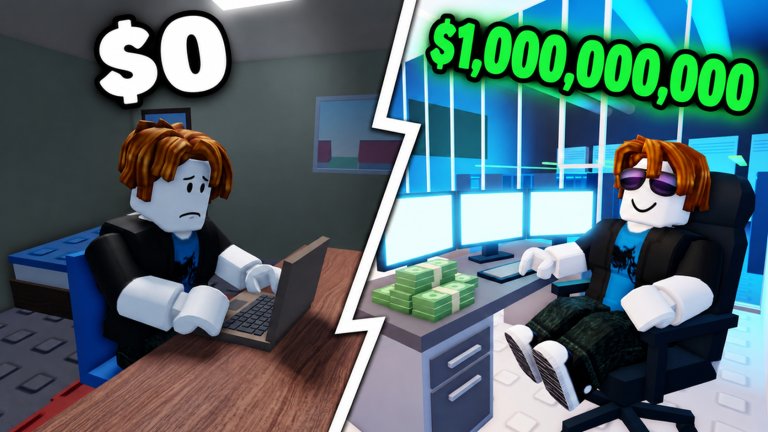

Start an AI Company by Kairo Experiences is a free Roblox idle simulation where you train AI models on a laptop, buy GPUs, hire engineers and marketers, and grow from a bedroom into a full tech campus. Launch models, win contracts, beat rival labs, then sell for billions and restart stronger — progress keeps earning offline. New players should open the getting started guide, redeem codes (try UPDATE), check the GPU tier list, browse scripts, follow updates, study player tips, and use our tools as you scale.
Active Start an AI Company codes for Nov 2026: redeem UPDATE now, track likes approaching 1,000 for the next drop, and skip fakes.
View all CodesIn-depth Start an AI Company guides covering beginners, training, offices, offline earnings, AI chip, furniture, and prestige sells.
View all GuidesCurrent Start an AI Company tier lists for GPUs, staff, AI models, and office stages so your cash funds the upgrades that actually scale.
View all Tier ListMultiplayer tips for Start an AI Company: visit offices, earn likes, chase achievement badges, and play nice in 10-player servers.
View all PlayersStart an AI Company patch tracker: launch notes, balance changes, codes milestones, and what to recheck after updates.
View all UpdatesHonest Start an AI Company scripts status: no verified loadstrings yet, what players want, and how to stay safe.
View all ScriptsPractical Start an AI Company tools: growth checklists and planners that keep trains, GPUs, and sells on track.
View all ToolsAbout the Start an AI Company fan wiki: coverage map, fact verification, official Roblox links, and where to start.
View all LinksClaim free rewards before they expire. Open the codes list, redeem UPDATE in-game, and check back after like milestones.
Train a model on your laptop, launch it, earn users, then reinvest. Follow the getting started guide for day-one priorities.
Better GPUs train larger models faster. Use the GPU tier list before you fill your server racks.
Add engineers, researchers, and marketers, then climb the office tiers. Read expand offices and prep offline earnings before you log out.
Cash out for billions, chase rare badges, and run a stronger lab. Follow sell and restart before each prestige cycle.
Quick answers about codes, GPUs, staff, and selling your company.
Redeem codes, then follow the getting started guide so you train, launch, and reinvest without wasting early cash.
Use code UPDATE for free rewards. Full redemption steps and expiry notes live on the codes page.
Prioritize value tiers that speed up training without bankrupting your lab. Rankings and upgrade paths are on the GPU tier list.
Hire engineers, researchers, and marketers, keep them happy, and expand from a bedroom to a campus. See the guides hub for expansion tips.
Sell when contracts and model score peak, then restart with permanent boosts. Check player tips and updates before cashing out.
This wiki is available in English, Français, Deutsch, Español, and Português (BR). Use the language button in the header to switch.
No. This is an unofficial fan wiki for the Roblox game by Kairo Experiences. Confirm announcements on the official game page and developer channels.
From your first laptop model to a sold campus, our guides cover training, GPUs, staff, and offices. Start with the getting started guide or jump into codes and the GPU tier list.
Start with the beginner guide